
By: [email protected]
Published July 18, 2022 at 03:02 AM
Seafile - Setup and Overview
Setup and overview of Seafile - a self hosted cloud storage provider.
Seafile - Setup and Overview
Introduction
So a little while ago I ran through many posts about NextCloud as I was setting it up to use as my personal, self-hosted cloud storage solution.
I used it for a few months and overall I was/am pretty happy with it however over time I started running into some fairly normal (yet annoying) issues.
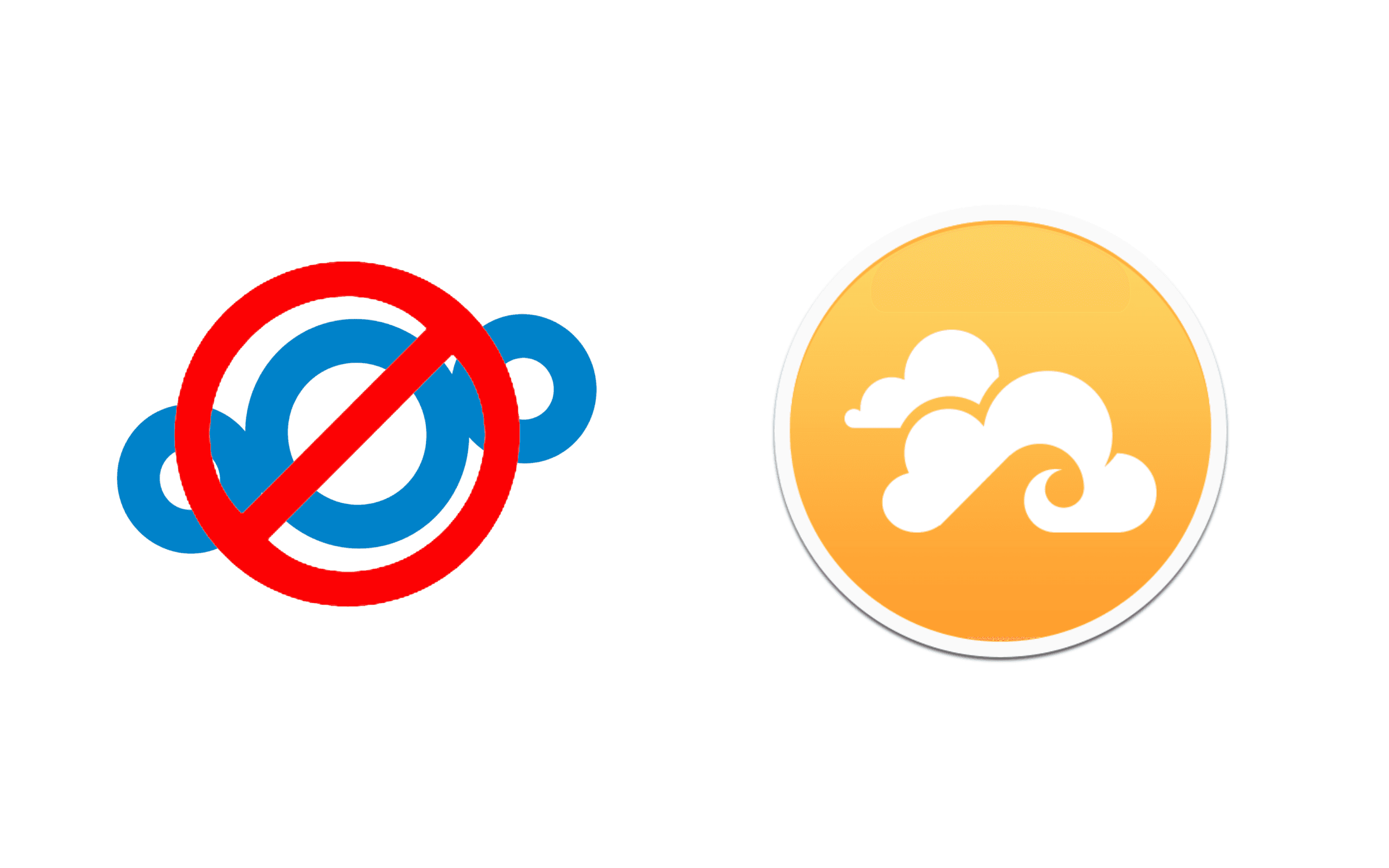
This lead me to discovering and trying Seafile - another popular self-hosted cloud solution that has a slightly different philosophy.
In this post, we'll be going through an initial set up of Seafile as well as a brief comparison to how it stacks up against NextCloud and just performance in general.
Seafile Overview

Some natural questions - what exactly is Seafile? Why is it different enough to be worth the time?
Great questions!
Per the Seafile website:
Seafile is an open source file sync&share solution designed for high reliability,
performance and productivity. Sync, share and collaborate across devices and teams.
Build your team's knowledge base with Seafile's built-in Wiki feature
Pretty straightforward, but that doesn't really tell us much.
More Google searches and Reddit posts will reveal that Seafile is more or less the main 'competitor' to NextCloud - I say 'competitor' in quotes as they both have free versions and aren't really competing. That said, Seafile does have a pro version for enterprise/business but that isn't really relevant for this post.
The TLDR is that while NextCloud is pretty feature rich, has plugins and all sorts of extra stuff, Seafile is a bit more bare bones - so then why do we care about it? Sounds like a downgrade no?
Well almost, the biggest difference is the file syncing. The simplest explanation is that NextCloud is a PHP application, and thus has a few inherit performance and syncing issues that are hard to overcome. This along with some other fun stuff just means NextCloud's file sync isn't the best or fastest.
This isn't a huge deal however in personal experience I can say it does have issues with really large files (movies), really small files that there are many of (think .git folder) or just long
syncing it would often crash or start over.
Seafile is built with Go and has a much more efficient syncing protocol, leading many to have much better file sync performance.
Setup and Installation
Let's start the installation! Just a disclaimer - I will be installing this on a PC running Windows 10, NOT a UNIX based/macOS system. Overall the process should be fairly similar for UNIX based systems and if anything easier.
Unlike with the NextCloud tutorials, we'll skip the 'development/testing' setup and go straight to a production ready config for this.
First off, decide how you'd like to deploy Seafile. You can install it manually and any associated services OR juse deploy with Seafile and Docker, the method we will be using in this post.
To set up on Windows, you're going to need to use this fantastic doc that spells out all the little details/config you will need for Windows specifically.
Be sure to enable HyperV or you may lose 5 hours of your life like some other developer who shall not be named :).
Anyway though, both platforms are pretty straightforward, copy the docker-compose.yml file and run it like:
docker-compose up -d
And you should be good to go! This will set up a database, memcache and Seafile instance - it also even includes options for HTTPS/SSL! That said let's not enable those yet, make sure your instance works as is first.
DNS

DNS Situation is fairly similar to what we did with NextCloud - especially if you're using a Mac - so I won't go too deep into this.
The main thing is since we're hosting this at home we need to set up a Dynamic DNS (DDNS) to auto update our IP address based on our local network. This is because ISP's (typically) don't give static IP addresses. Some can/will give you a static IP if you want but Comcast hates me.
I'd highly recommend connecting your domain to Cloudflare as they make this process super easy and have all kinds of great features.
For Windows, I'd highly recommend this tutorial. This tutorial is also for Cloudflare but even if you're using another DNS manager you should get the idea.
The gist is, create an API token for Cloudflare, write a script to get your local IP address, then use the token and script to update your IP address in Cloudflare.
The extra in Windows is you then need to add a task to your Task Scheduler to run this automatically.
Last but not least, be sure to configure a port forward (sometimes called NAT) on your router to forward incoming traffic to your Seafile host machine.
Also note, once your domain is properly configured, feel free to enable SSL/HTTPS. This should really just be a matter of updating the variables in docker-compose.yml.
Again, for more info or examples with different set-ups, I'd recommend my NextCloud Production post.
Migrating Data
This may be obvious to most people however it took me a second.
Seafile encrypts your data and stores them in 'blocks', meaning you can't really directly access your files on your hard drive. Meaning when you want to add your data you MUST upload it via the web UI so that Seafile can index and store them properly.
On Windows, this requires setting up a 'Shared Drive' so you can store your instance and files where you'd like. This requires using Windows based containers NOT Linux based.
VS. NextCloud

I was hoping to make this section longer but there isn't a ton to say - it is definitively better at syncing than NextCloud!
I've moved all my data (over 200GB of crap) to Seafile to run a 'real world test' with it and its performed beautifully thus far.In fact, my NextCloud set up runs off of ethernet but my Seafile uses regular Wi-Fi, and it still is faster.
Not to mention while definitely fewer features and no plugins, it does have most of the basics you'd expect and want like selective sync, good desktop/mobile clients and even automatic camera upload from your phone.
I will however warn it's not all sunshine and rainbows, there are definitely a few 'gotchas'. I'd really recommend writing down the exact features you'd expect and making sure Seafile has them before trying it out as there are some that it just does not support and could be very real deal-breakers for people - for example Seafile DOES NOT (formally) support external storage like NextCloud, you have to store your data on the drive your instance is on.
Again not necessarily a huge deal, but if it is, you may have an issue.
Conclusion
Overall, Seafile is a huge win so far. I'm pretty happy with it.
I don't think it's definitively better than NextCloud though, there's definitely some features and plugins I already miss but I think at least personally it's a much more fitting solution.
I may write another post to discuss the differences more but honestly there's not much else, they're overall both great pieces of software with great docs, reasonable set up and overall very reliable.
I honestly can't recommend either enough though - again obviously different strokes for different folks but self-hosted solutions are a FANTASTIC option and way better than paying Google or Apple or Microsoft even more money.
Thank you for reading!
Comments
No comments available :/
Leave your thoughts! 💭
Tags
Cloud Storage
NextCloud
Seafile
Self Hosting

Version Unavailable
/
unavailable
Copyright 2026 © Naztech Inc. and Daniel Nazarian